가장 합리적으로 진행하는 라이브커머스
In today's world, there is a huge demand for websites. E-commerce, online businesses, startups and small and medium-sized enterprises all need websites. But building a website is no easy task.
While there are many blog posts on how to build a website instantly, few of them provide practical solutions to build a website instantly. This blog will therefore delve into the step-by-step procedure to build a website in 10 minutes.
Step 1: Choose a template from Bullet gallery
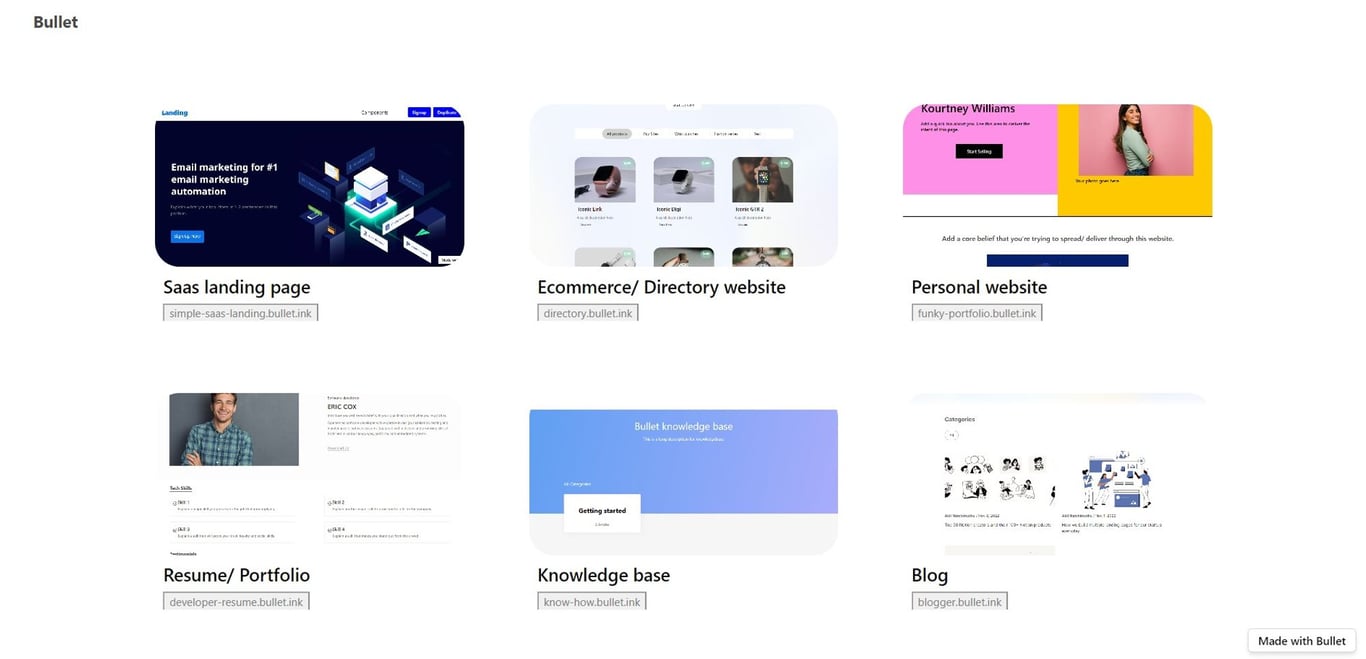
Sign up with Bullet.so and choose a template for your landing page from the Bullet’s template gallery.
Step 2: Duplicate it in your Notion page
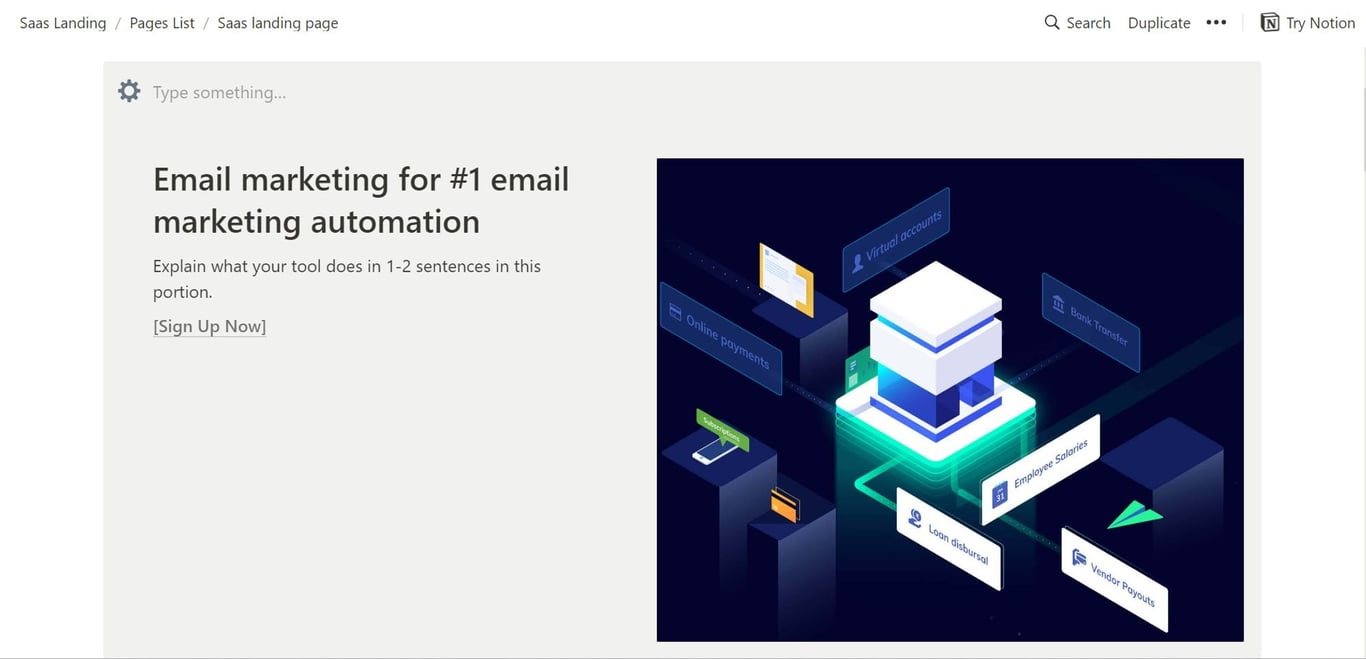
After choosing a template that suits your brand, duplicate it into your Notion workplace by clicking Duplicate on the top right corner of the template.
Step 3: Customize it with quality content
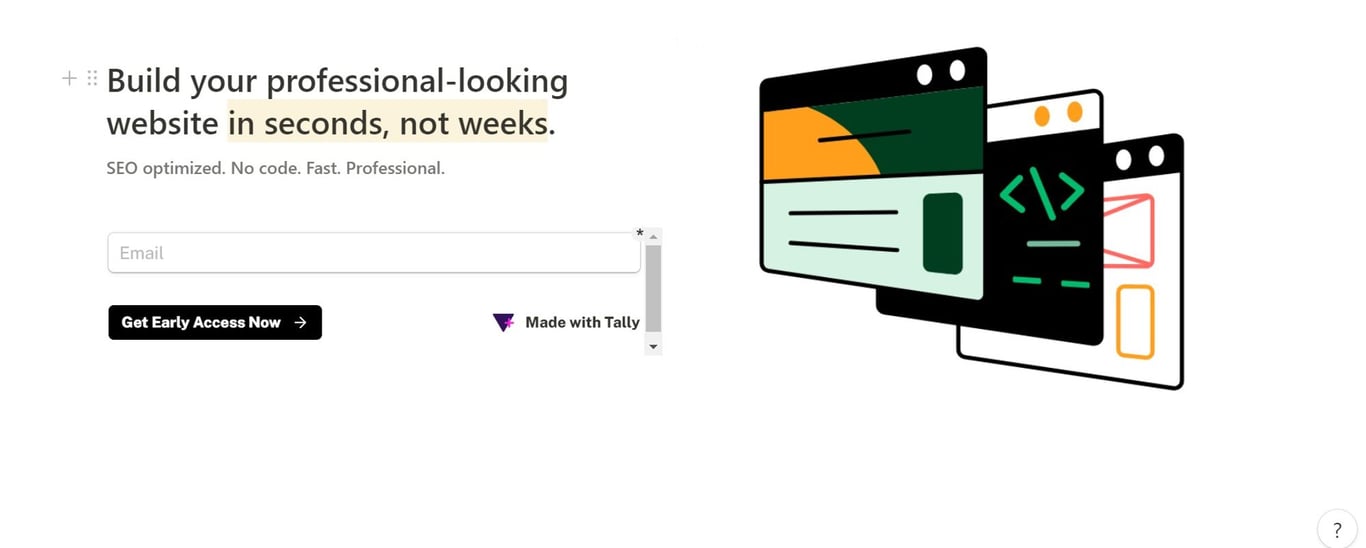
Add H1s, H2s and other content into your template. Don’t miss out on adding relevant images, GIFs and a proper CTA.
You can use free AI writing tools like Peppertype.ai or Copy.ai to generate high quality landing page content.
You can use free AI writing tools like Peppertype.ai or Copy.ai to generate high quality landing page content.
Step 4: Paste your Notion url in Bullet’s dashboard and Publish
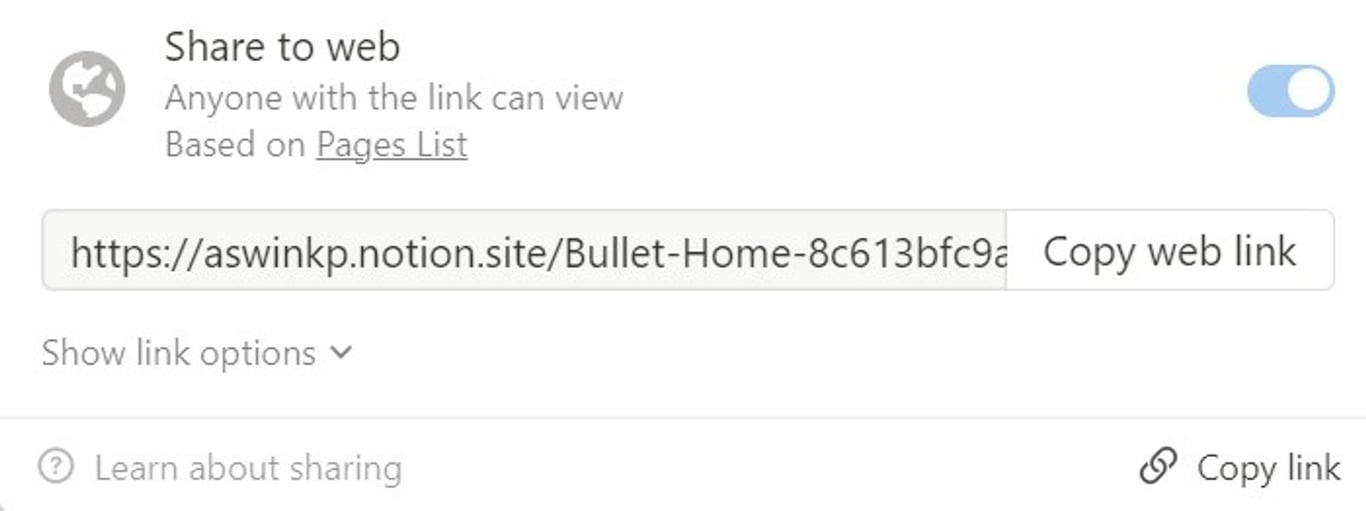
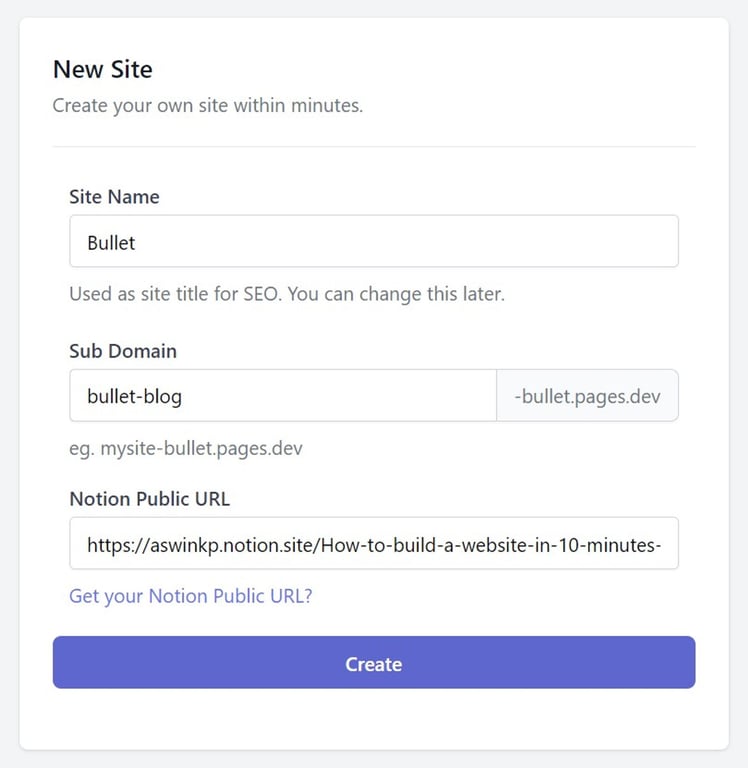
- Click “Share” on the top right corner, toggle the “share to web” and copy the url
- Paste it in Bullet’s dashboard, fill up the sub-domain and other elements and hit “Create”
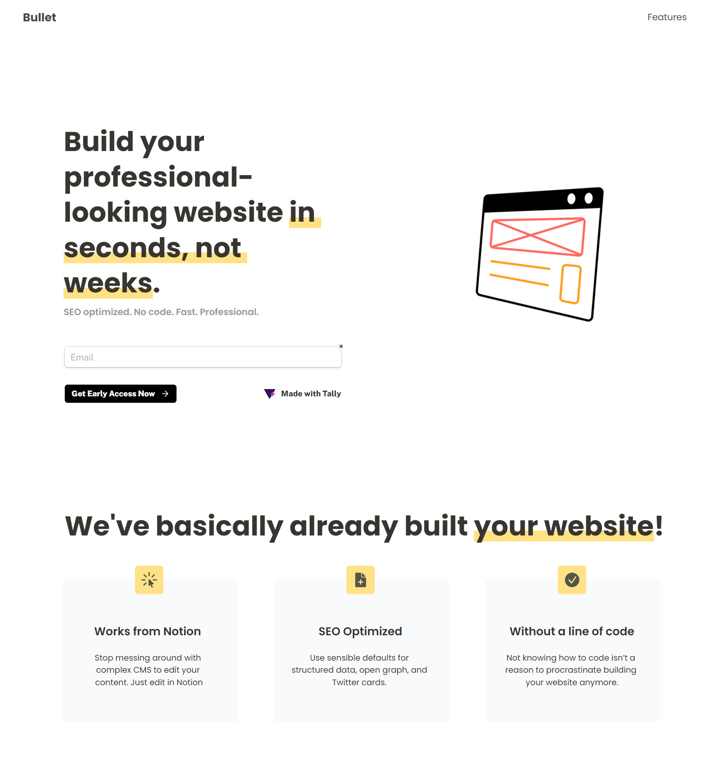
There you have it. Anyone can create a website in 10 minutes with just Notion and Bullet.




 Made with Bullet